Fix My Speaker
Is your phone speaker sounding muffled, quiet, or unclear? Fix My Speakers gives you a simple way to try removing minor moisture from your speaker and check your audio with one online tool.
Use the sound-based water ejector, test your speaker output, check audio channels, and play different sound frequencies. Open the tool in your browser and follow the on-screen instructions. No separate app download is needed.
Start using Fix My Speakers to check your sound and explore its audio features.
What Is Fix My Speakers?
- Fix My Speakers is a free online speaker tool designed to help you check audio and try to move minor moisture away from a speaker opening.
- When a phone gets wet, small water droplets around the speaker grille may affect how sound comes out. A sound-based water ejector plays a tone that makes the speaker vibrate. This movement may help move some moisture near the opening.
- The same tool can also help you listen to speaker output, check left and right audio channels, and play test tones at different frequencies.
- You can use these features to check common sound problems and learn whether further troubleshooting may be needed.
- A speaker cleaner cannot fix every audio problem. Results depend on your device, speaker condition, and the cause of the issue.
What Can You Do With Our Speaker Cleaner?
Remove Minor Moisture From Your Phone Speaker
Has your phone speaker become muffled after rain or a small splash? The water-ejection feature plays sound through the speaker to create vibration that may help move minor moisture near the speaker grille.
This can be a useful first step when moisture affects sound. It does not remove all water from a phone, dry internal components, or repair liquid damage.
Test Your Speaker Sound
Use the sound-testing feature to check whether your speaker plays audio as expected. Listen for low volume, crackling, buzzing, distortion, or missing sound.
A sound test can help you notice a problem, but it cannot always tell you exactly what caused it.
Check Left and Right Audio
The audio channel test helps you check whether left and right sound play through the expected output on a supported stereo setup.
This is useful when checking headphones, computer speakers, or other compatible audio equipment.
Play Different Sound Frequencies
The tone generator lets you play different sound frequencies to check how your speaker responds.
Some tones may sound louder or quieter than others because of your device, room, speaker design, or audio settings. This does not always mean that your speaker is damaged.
Start at a comfortable volume, especially when using headphones.
How Does a Speaker Water Ejector Work?
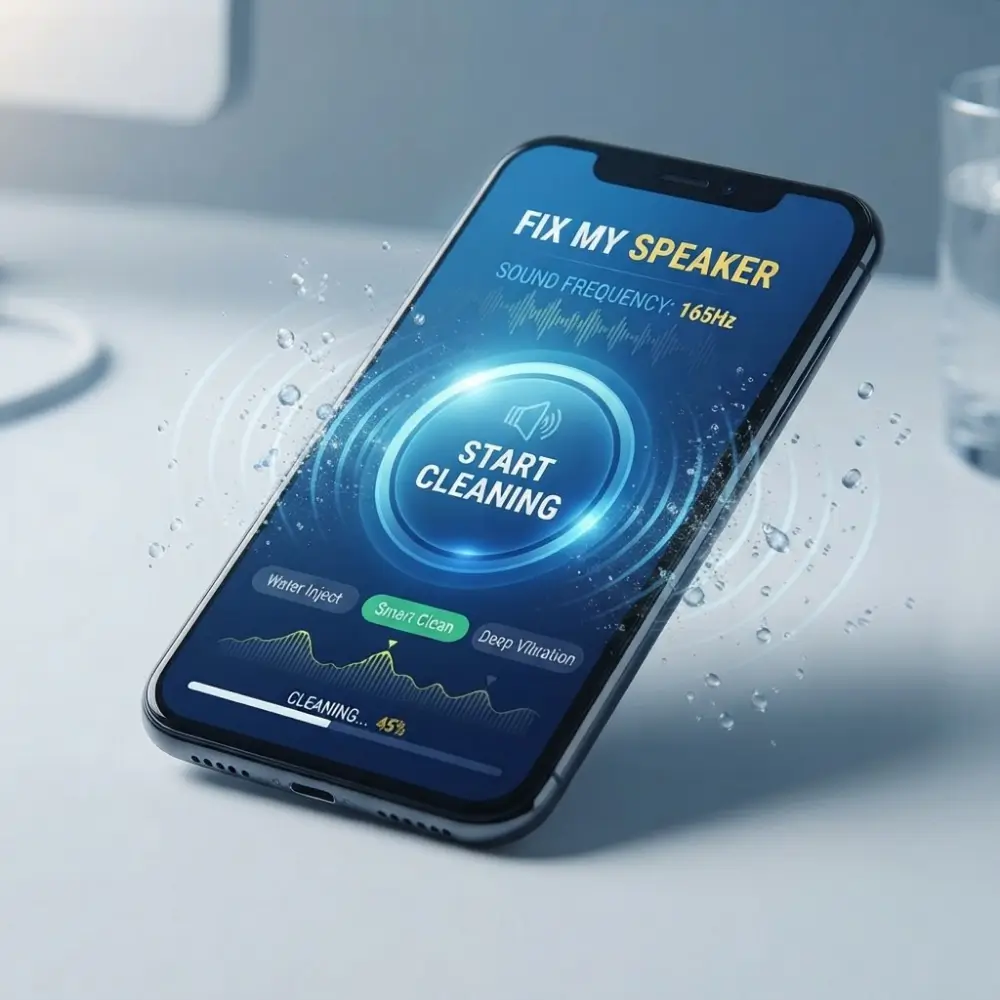
A sound-based speaker water ejector plays a tone through a speaker. The tone makes the speaker diaphragm move back and forth, producing sound and vibration.
This movement may help shift small water droplets near the speaker opening. The result depends on the speaker design, the amount of moisture, and where the water is located.
It is important to understand the limits of this method. Sound cannot guarantee that water will leave the phone, and it cannot repair internal damage caused by liquid.
If your phone has been heavily exposed to water, follow the manufacturer’s drying instructions and seek professional help when needed.
How to Use Fix My Speakers
Follow these simple steps to get started.
Step 1: Open the Tool
Visit FixMySpeakers.com and open the main speaker tool in your browser.
Step 2: Choose the Feature You Need
Select the water-ejection sound if you want to try moving minor moisture. Use the sound test or tone generator when you want to check your audio output.
Step 3: Check Your Audio Output
Make sure your device is playing sound through the speaker you want to test. Disconnect Bluetooth headphones or other audio devices if necessary.
Step 4: Play the Sound
Follow the instructions shown by the tool. Start at a comfortable volume and use a short cleaning cycle before checking the result.
Step 5: Listen Again
Play a familiar song or voice recording. Compare the sound before and after the test to see whether anything has changed.
If the sound remains muffled, check other possible causes instead of repeating the same cycle without a clear reason.
Why Does Your Phone Speaker Sound Muffled?
A muffled phone speaker can have several causes. Finding the likely cause can help you choose the right next step.
Water or Moisture
Moisture around the speaker grille may make audio sound quieter or less clear. If the problem started after a small splash, a short water-ejection attempt may help.
If the phone has suffered serious liquid exposure, do not rely on a sound tool to dry its internal parts.
Dust or Dirt
Dust and lint can collect around the speaker opening. A sound-based cleaner is not a reliable way to remove packed dirt.
Follow the device manufacturer’s cleaning instructions and avoid pushing sharp objects or cotton buds into the speaker grille.
Low Volume or Incorrect Settings
Check your media volume and audio settings. Make sure the sound is not being limited by a setting or app.
Bluetooth Connection
Your phone may be sending audio to headphones, a car system, or another connected device. Turn off Bluetooth temporarily and test the built-in speaker again.
Physical Damage
A drop, liquid damage, or a faulty speaker component may cause crackling, distortion, or very low volume.
An online speaker cleaner cannot repair damaged hardware. If the problem continues, a repair professional may need to inspect the device.
What Makes It Different to Fix My Speaker?
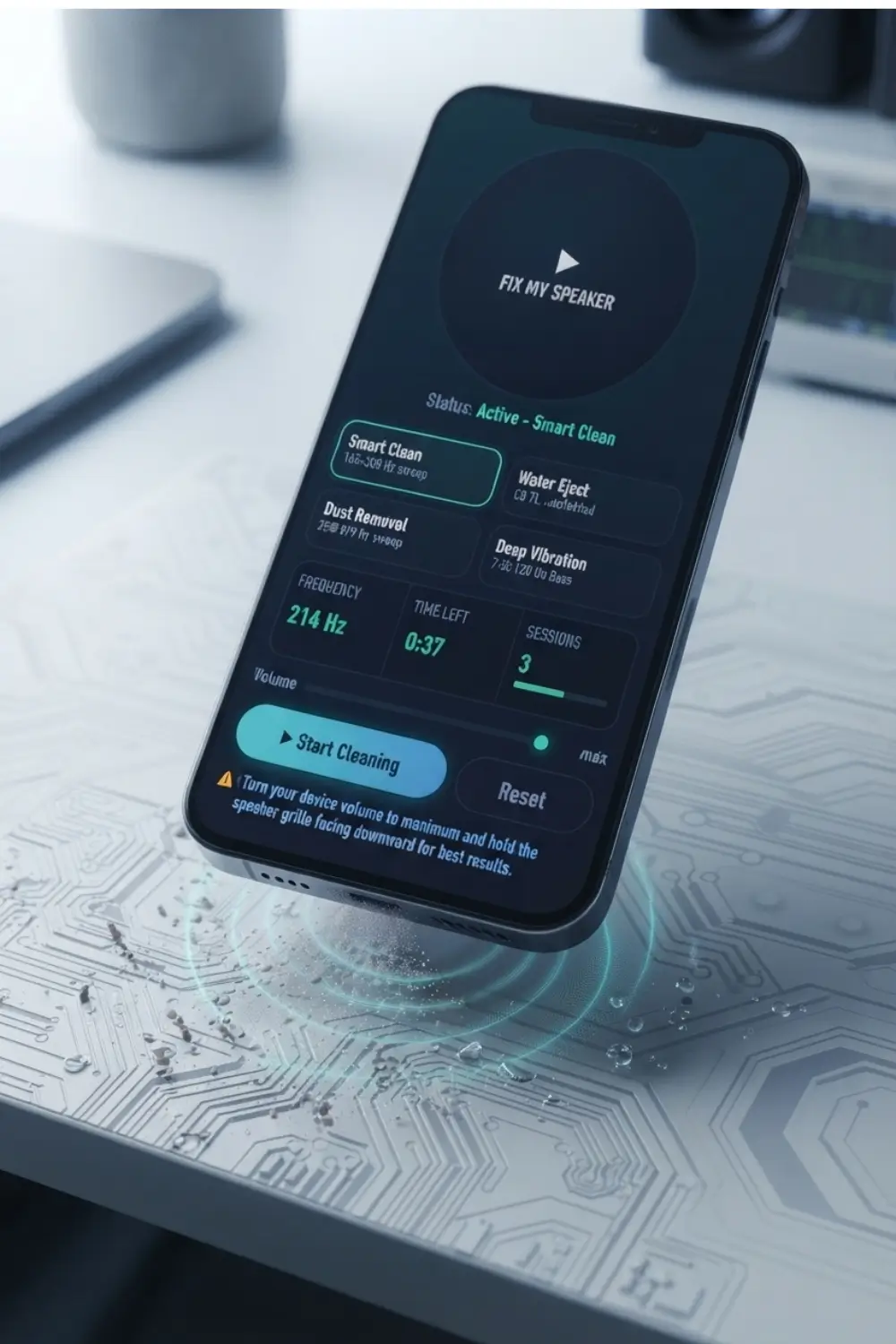
- The water injection mode provided in the tool is designed to remove trapped water after spraying or spraying at a frequency of 165 Hz.
- The second mode provided in the tool uses a different frequency to remove dust and debris, which is specifically designed for dry farming such as lint and dust.
- The third mode provided in the tool is Deep Vibration, which adds physical motor vibration on top of the cotton waves. Because you know that sound alone cannot clean. If you have stereo or earbuds and the air work of either side is affected, you can clean it at once through the up-left-right channel control.
- This is a water injector tool that will work completely in your browser and does not require any app to install it. No need to create an account either. You can start it by opening our website on any of your browsers. This tool also includes English, Urdu, and Hindi because water eject is not limited to English speakers.
What Users Notice After Using Fix My Phone Speaker
| Before | After |
| Muffled, unclear audio | Clear, sharp sound |
| Low volume despite max settings | Full volume restored |
| Crackling or distorted playback | Smooth, clean audio |
| Water trapped in speaker grille | Water ejected within minutes |
| Dust blocking speaker pores | Speaker pores cleared |
| Muffled call audio | Crystal-clear calls |
Common Myths About Water Damage to Speakers
- You may have heard that rice fixes everything, but the truth is that rice absorbs the moisture from the environment around the phone, and it does very little for water trapped inside the speaker chamber; it can take days to show any results.
- Another myth is that a hair dryer will dry it out quickly, but the reality is that it can actually make it worse and push more moisture into your phone.
- Another myth is that playing music at a high volume will automatically drain the water, but the truth is that loud audio is usually not at that frequency, and it helps the water move further into the speaker.
- The low-frequency tools in the toolbox work much better and more safely.
- Another myth is that if it is still stuck after drying, the speaker is broken, but the reality is different because there are often mineral deposits that remain inside the speaker after the water evaporates.
A second injection cycle in the tool can usually solve this as well.
Does Fix My Speakers Work on iPhone and Android?
You can open Fix My Speakers in a supported web browser on compatible phones, tablets, and computers.
The exact results may vary by device, browser, operating system, speaker design, and audio settings.
For a better test, make sure the sound plays through the intended speaker and disconnect Bluetooth devices if they affect the output.
Not every device will respond in the same way. If a feature does not behave as expected, check your browser and device settings before drawing conclusions about the speaker.
What to Do If Your Speaker Still Sounds Muffled
If the cleaning sound does not improve your audio, try these checks.
- Check the media volume and audio settings.
- Disconnect Bluetooth devices and test the built-in speaker.
- Remove a phone case if it covers the speaker opening.
- Look for visible dirt and follow the manufacturer’s cleaning instructions.
- If the phone got wet, follow the manufacturer’s liquid-damage guidance.
- If the sound remains distorted or very quiet, consider professional inspection.
Do not use direct heat or a hair dryer to dry a wet phone. Do not insert sharp objects into the speaker grille, and avoid charging a device that may still be wet.
Repeatedly playing a sound is not a replacement for proper drying, cleaning, or repair.
Why Choose Fix My Speakers?
Easy to Use
Open the website in a supported browser and choose the feature you need. No separate app download is required.
Multiple Audio Features in One Tool
Try the water ejector, check speaker output, test audio channels, and play sound frequencies from one place.
Useful for Basic Sound Checks
The tool can help you notice changes in sound and decide whether further troubleshooting may be needed.
Clear and Practical Guidance
Learn what a sound-based cleaner may help with, what its limits are, and which other causes may explain a muffled speaker.
Free Online Access
Use the available features on FixMySpeakers.com without installing a separate application.
Conclusion
Fix My Speaker is an online tool for all those people who are worried about speaker problems in their mobile or any device, or if water or dust has got into the speakers of their mobile devices, then this website and the tool in it are very important for them. You can clean your mobile smart with the tool given above.
There you can remove water from the injector tool. You can remove dust using a dust removal tool. You can also remove small particles from all the other speakers through deep vibration. It will take you very little time for this; you will be able to clean your speaker within one to one and a half minutes.
Frequently Asked Questions
What is Fix My Speakers used for?
Fix My Speakers is an online tool for trying to move minor moisture away from a speaker opening, checking sound output, testing audio channels, and playing different sound frequencies.
Can Fix My Speakers remove water from my phone?
It may help move minor moisture near the speaker grille through sound-based vibration. It cannot remove all water from the phone or guarantee that the speaker will return to normal.
Is Fix My Speakers free?
Yes, Fix My Speakers offers free access to its available online tool. Open the website in a supported browser to get started.
Do I need to download an app?
No separate app download is needed to open the website. Your browser and device must support the audio feature you want to use.
Does Fix My Speakers work on iPhone?
You can try the tool in a supported iPhone browser. Results may vary depending on the device, browser, speaker condition, and audio settings.
Can I use Fix My Speakers on Android?
You can try it on a supported Android device. Make sure the audio plays through the speaker you want to check.
Why is my phone speaker muffled after getting wet?
Moisture near the speaker opening may affect sound. Internal liquid damage and other hardware problems can also cause muffled audio. Follow the manufacturer’s instructions if your phone has been seriously wet.
Can sound remove dust from a speaker?
Sound may move some loose material, but it is not a reliable way to remove packed dust or lint. Use the cleaning method recommended by your device manufacturer.
Can an online speaker cleaner repair a damaged speaker?
No. A sound-based tool cannot repair broken speaker parts, internal corrosion, or other hardware faults.
Why is my speaker still quiet after using the cleaner?
Check the volume, audio output, Bluetooth connection, phone case, and speaker opening. If the problem continues, the speaker may need professional inspection.
What is the difference between a speaker test and a tone generator?
A speaker test helps you check audio output. A tone generator plays sounds at different frequencies so you can listen to how your speaker responds. Both are useful for basic checks, but neither provides a complete hardware diagnosis.
Is it safe to play speaker test tones?
Use a comfortable volume and avoid loud tones for long periods, especially through headphones. Follow the tool’s instructions and stop if you notice unusual sounds or device behavior.
How often should I use the water ejector?
There is no universal schedule for using a sound-based water ejector. Use it when appropriate, follow the instructions, and check the result rather than repeating long cycles without improvement.
What should I do if my phone was dropped in water?
Follow the manufacturer’s liquid-damage instructions. Do not charge the phone while it may be wet, and do not rely on a sound-based tool to dry internal components. Seek professional help when needed.
Start With Fix My Speakers
Whether your phone speaker sounds muffled, you want to check your audio output, or you need to listen to different sound frequencies, Fix My Speakers gives you one place to start.
Open the tool, choose the feature that matches your needs, and follow the instructions. If the problem continues, check other possible causes and get professional help when necessary.